Pages

Showing posts with label logic. Show all posts

Sunday, 8 May 2011

Logic Gate Basics Part 1

In this series of tutorials I'll be covering the basics of Logic Gates, followed by some practical applications. For reference, in all images, Inputs are shown by Green blocks, and Outputs are shown by Red blocks. By now you should have a basic understanding of the principals behind the behaviour of Redstone. If not, read through the previous Redstone Basics Tutorials.


Invertor (NOT Gate)

Just as seen in a few of my other tutorials, the invertor outputs the opposite of the input, so if the input is ON, the output is OFF.


AND Gate

If both inputs are ON, the output is ON, else the output is OFF.


Triple AND Gate


This works the same as the AND gate but takes 3 inputs, all of which have to be ON for the output to be ON.


NAND Gate

If both inputs are ON, the output is OFF, else the output is ON.


XOR Gate

As long as both inputs have different states, (one OFF, one ON), the output is ON. If both inputs have the same state, the output is OFF.


XNOR Gate

As long as both inputs have the same state, the output is ON. If the inputs have different states, the output is OFF.


Thursday, 21 April 2011

Tutorial 1: Basics


Welcome to the first part of our beginners redstone tutorial. In this tutorial, I'll be cover the very basics of redstone creations, and finish off by creating a simple logic gate.

There are 3 main components that are used in redstone circuits:

Redstone wire:


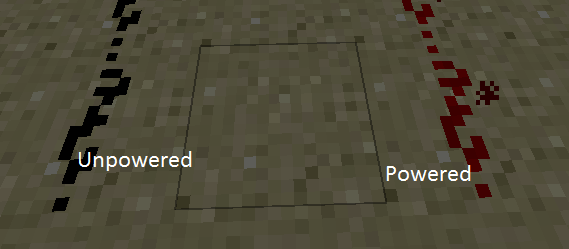
This can have two states, either powered (ON) or unpowered (OFF). Wire is ON when provided with an energy source, such as a redstone torch.

Redstone torches:


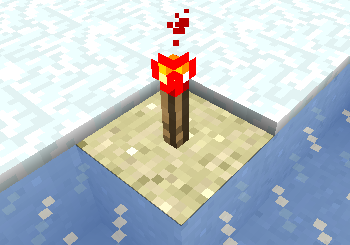
When placed at the end of a redstone wire, these provide power, enough for up to 15 blocks of wire.

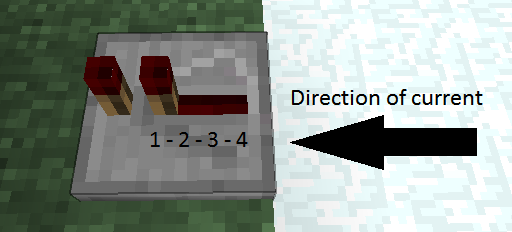
Redstone repeaters:


Repeaters delay the current passing through them by a maximum of 0.4 seconds, going up in intervals of 0.1, thus to create a 1 second delay, you would need 3 repeaters in a line, 2 set to the 4th interval and one to the 2nd interval.


So with these basics in mind, let's move on to some simple logic gates. These sound more confusing than they really are, as you'll discover.

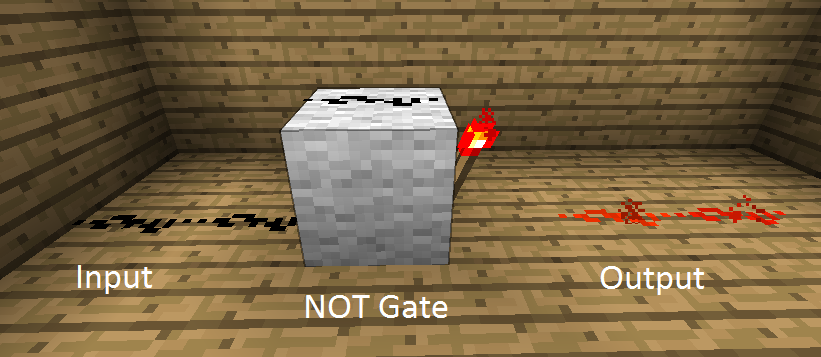
First off, we have the NOT Gate, also known as the Invertor. Why? Because it inverts the signal coming in, meaning if the incoming signal is ON, the outputted signal will be OFF.

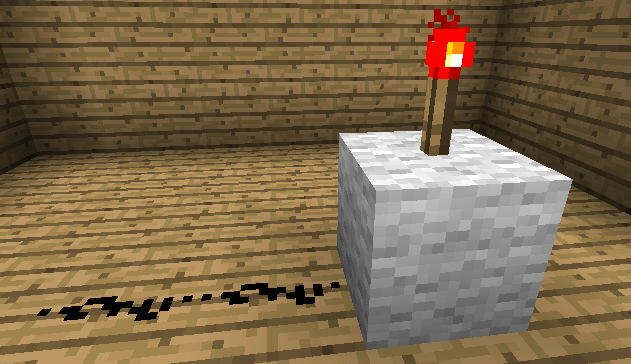
These are easy to build:


"But how do these work?", I can hear you asking. Well it's simple really:

When a Redstone Torch is NOT receiving power, , it stays ON.


When a Redstone Torch IS receiving power from another source, it turns OFF.


So there you have it, the basics of Redstone and a simple invertor gate.

However, the invertor also has a clever little trick: It refreshes the 15 block limit for power, allowing it to travel 15 blocks from the NOT gate.

In the next tutorial I'll be covering different input and output sources, aswell as how to refresh the 15 block limit without inverting the signal.